
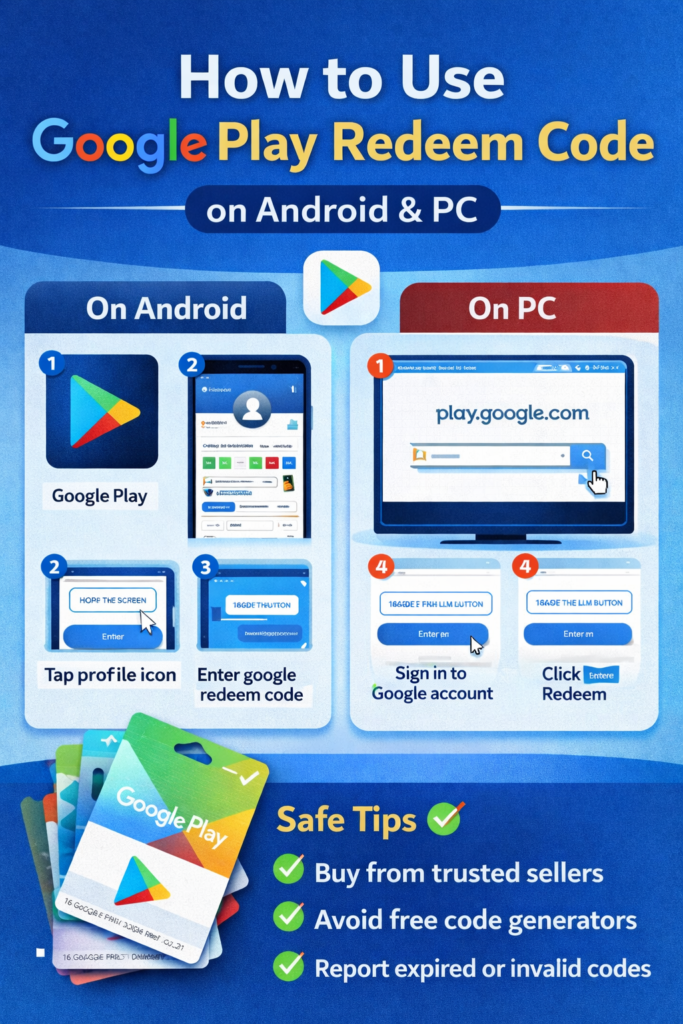
Buying apps, games, movies, or subscriptions doesn’t always require a credit card. With a Google Play redeem code, you can add balance to your account and pay for digital content easily. Whether you’re using an Android phone or a PC, redeeming a code is simple once you know the right steps.
This guide explains how to use a Google Play redeem code on Android and PC, plus common mistakes to avoid.
What Is a Google Play Redeem Code?
A Google Play redeem code is a digital or physical code that adds balance or unlocks specific content on Google Play. These codes are commonly available as:
-
Gift cards
-
Promotional rewards
-
Online purchases from trusted sellers
Once redeemed, the value is added directly to your Google Play balance.
How to Use a Google Play Redeem Code on Android
Redeeming a Google Play redeem code on Android is quick and works on all supported devices.
Step-by-Step Process
-
Open the Google Play Store app
-
Tap your profile icon (top-right corner)
-
Select Payments & subscriptions
-
Tap Redeem code
-
Enter the Google Play redeem code carefully
-
Tap Redeem to confirm
Your balance will update instantly, and you can start using it for apps, games, movies, or subscriptions.
How to Use a Google Play Redeem Code on PC
You can also redeem a Google Play redeem code using a PC or laptop through a web browser.
Step-by-Step Process
-
Open your browser and go to play.google.com
-
Sign in with your Google account
-
Click your profile icon
-
Select Redeem
-
Enter your Google Play redeem code
-
Click Redeem to apply it
The balance is added to the same Google account and syncs automatically across all devices.
Where Can You Use the Redeemed Balance?
After redeeming a Google Play redeem code, the balance can be used for:
-
Paid Android apps
-
In-app purchases
-
Games and game credits
-
Movies and TV shows
-
Books and audiobooks
-
App subscriptions
Some balances may have region or usage restrictions, depending on how the code was issued.
Common Issues and How to Fix Them
If your Google Play redeem code doesn’t work, check these common problems:
-
Already redeemed – Codes can only be used once
-
Region mismatch – Code must match your account’s country
-
Typing error – Avoid spaces or incorrect characters
-
Expired code – Promotional codes may have time limits
If the issue continues, Google Play support can verify the code.
Safety Tips When Using Google Play Redeem Code
To stay safe:
-
Buy codes only from trusted sellers
-
Avoid “free code generators” (most are scams)
-
Never share your Google Play redeem code publicly
-
Redeem the code immediately after purchase
These steps help protect your balance and account.
Final Thoughts
Using a Google Play redeem code is one of the easiest and safest ways to pay for digital content without linking a bank card. Whether you’re on Android or PC, the process takes just a few minutes and gives you full control over spending.
Share this content: