
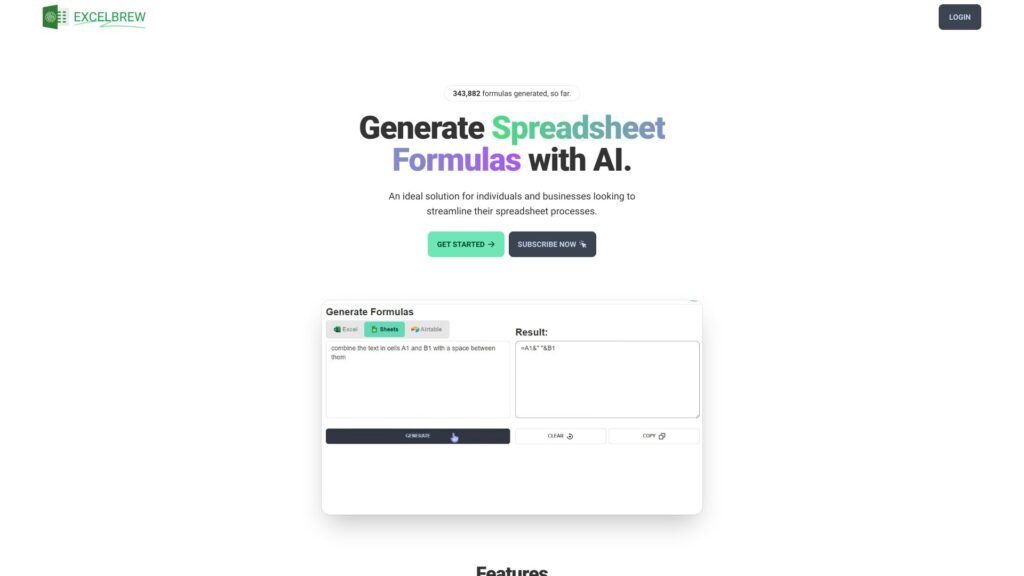
In the age of information, spreadsheets are the backbone of business, research, and personal productivity. Yet, anyone who has juggled multiple files knows the frustration: fragmented data, inconsistent formats, and the endless copy-paste routine that eats time and sanity. Enter the best AI spreadsheet tool for combining spreadsheets free — a solution designed to turn chaos into clarity with a few clicks.
Why Combining Spreadsheets Matters
At first glance, merging multiple spreadsheets might seem trivial. But consider this:
-
You’re managing client data across three sales regions, each in a separate file.
-
Your project tracking sheet lives independently from your budgeting spreadsheet.
-
Historical records span multiple years, scattered in old files and formats.
The cost of manual consolidation isn’t just hours spent — it’s errors, missed insights, and stress. That’s where AI steps in, bridging gaps between files, formats, and systems, often anticipating what you need before you even realize it.
What Makes a Spreadsheet Tool Truly “AI”?
When we say best AI spreadsheet tool for combining spreadsheets free, it’s more than a marketing phrase. The AI aspect usually includes:
-
Automatic data recognition: The tool identifies headers, formats, and duplicate entries.
-
Smart merging: It aligns columns and rows intelligently, even when labels don’t perfectly match.
-
Error detection: AI flags inconsistencies or conflicts in data during the merge.
-
Natural language queries: Some advanced tools let you type instructions like, “Combine all sales data from 2023 and remove duplicates,” and it executes.
Free tools may vary in sophistication, but even at no cost, they can save hours of grunt work, especially for small businesses, students, or anyone dealing with sprawling datasets.
Key Features to Look For
-
Cross-File Compatibility
The best AI spreadsheet tools accept multiple formats: Excel, CSV, Google Sheets, and sometimes even JSON. You shouldn’t be limited by file type. -
Intelligent Column Mapping
Different spreadsheets often label the same data differently — “Date of Sale” versus “Sale Date.” A strong AI tool recognizes these as identical, merging data seamlessly. -
Duplicate and Conflict Resolution
Human eyes often miss duplicates or conflicting entries. AI flags them, lets you choose the correct value, and even auto-resolves some conflicts based on rules. -
Scalability
Whether you’re merging two sheets or fifty, the tool should handle it without slowing to a crawl or crashing. -
Automation & Integration
Bonus points for tools that let you set up workflows — once configured, your merges happen automatically whenever new data arrives.
Examples of Free Tools in Action
Imagine you’re running a marketing campaign with three spreadsheets tracking email performance, ad clicks, and conversion rates. Using the best AI spreadsheet tool for combining spreadsheets free, you could:
-
Merge all three files in under a minute.
-
Automatically align metrics across files.
-
Identify the top-performing channels without manual calculations.
-
Export a clean, consolidated report ready for presentation.
In another scenario, a student or researcher consolidating survey responses across multiple classes or departments could save hours, while drastically reducing human error.
Tips for Getting the Most Out of AI Spreadsheet Tools
-
Prepare Your Files: Remove obviously empty rows or columns and standardize headers where possible. AI works best when the input is clean.
-
Check Merges: Even the best AI tools aren’t perfect. A quick review ensures accuracy and prevents surprises.
-
Leverage Automation: Set up recurring tasks or rules for merging files. Your AI assistant can become a semi-autonomous team member.
-
Experiment with Queries: If your tool supports natural language input, try asking it to summarize, filter, or analyze data while merging.
Why the Free Version Can Be Enough
Many assume AI tools require expensive subscriptions, but the best AI spreadsheet tool for combining spreadsheets free often provides sufficient functionality for most users. While premium versions may unlock integrations, advanced analytics, or higher file limits, free options give small businesses, freelancers, and students the same core benefit: saving time, reducing errors, and freeing mental bandwidth for actual analysis.
Conclusion
Spreadsheets are meant to simplify life, not complicate it. Yet, without the right tool, combining multiple files can become a tedious ordeal. By using the best AI spreadsheet tool for combining spreadsheets free, you transform that chore into a streamlined process, giving you clarity, control, and confidence over your data.
The future of spreadsheet management is here — smart, intuitive, and surprisingly accessible. The red tape of manual consolidation can finally be cut, leaving only actionable insights, accuracy, and time to focus on what truly matters.
Share this content: